Networking Fundamentals
Learn networking fundamentals for real production tasks from troubleshooting Linux connectivity and Docker container access to understanding Kubernetes Services and AWS networking.
Welcome to the Networking Fundamentals!
Networking connects the servers, containers, and applications you work with every day. Understanding how these connections work is essential to learning DevOps, Site Reliability Engineering (SRE), and cloud engineering.
This guide builds that foundation with simple explanations so you can understand how networking works and apply it to real-world troubleshooting.
Why Learn Networking ?
Deploying an application is only the beginning. You also need to understand how users reach it, how it communicates with other services, and what to check when a connection fails.
An application can be running but unreachable. A container may not be able to connect to its database. A cloud instance may have no internet access. Networking fundamentals help you understand where to look and what might be wrong.
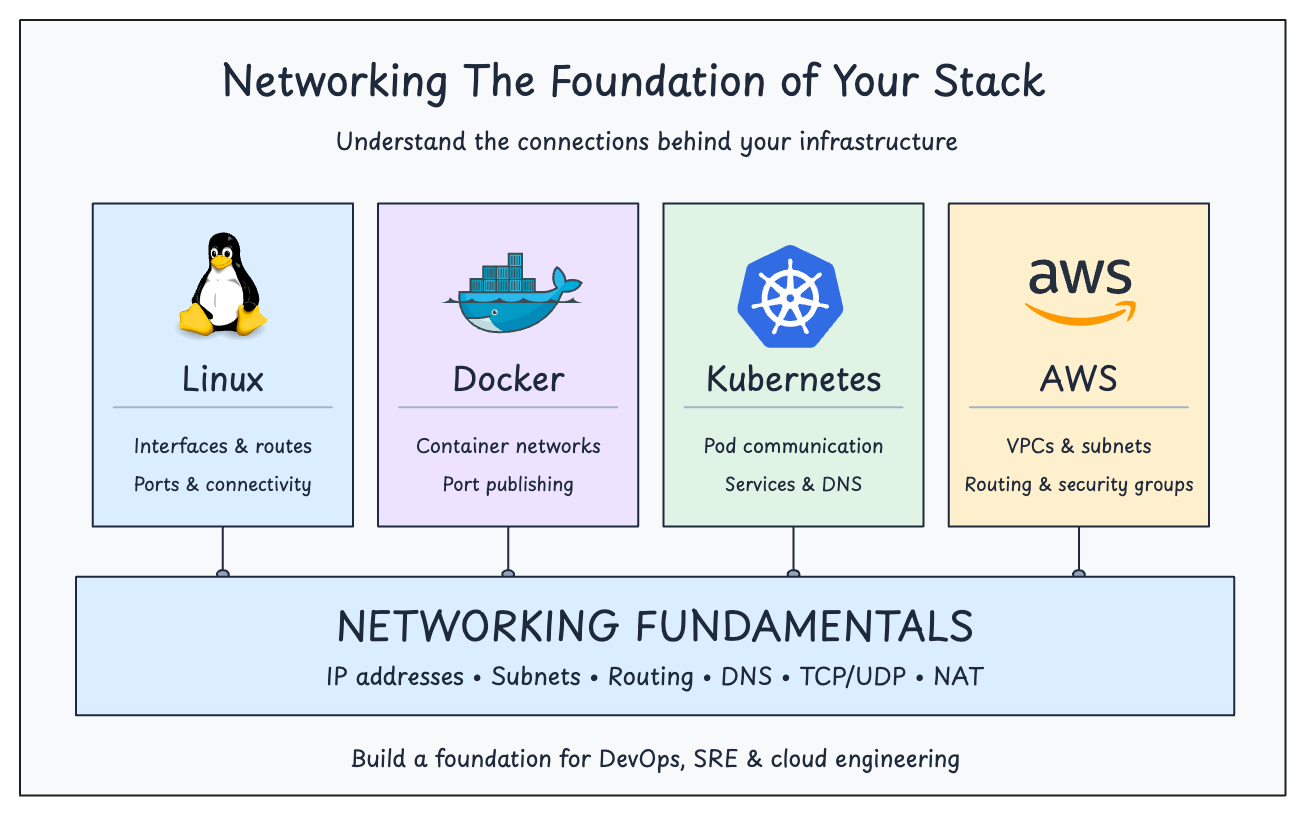
These skills apply across your stack:
- Linux: Understand network interfaces, IP addresses, routes, and ports to troubleshoot server connectivity.
- Docker: Understand how containers communicate and how published ports expose applications.
- Kubernetes: Understand Pod networking, Services, and DNS-based service discovery.
- AWS and cloud networking: Understand how subnets, routes, and security rules control access to your workloads.
Cloud platforms and automation handle much of the underlying setup, but you still need to understand how the pieces connect.
This foundation helps you make configuration changes confidently and troubleshoot problems more effectively.
Who Is This Guide For?
This guide is for:
- Beginners preparing for DevOps, SRE, or cloud engineering roles.
- Learners exploring Linux, Docker, Kubernetes, or AWS who want to strengthen their networking knowledge.
- Working engineers who want to refresh their fundamentals and improve their troubleshooting skills.
You don't need professional networking experience. Basic computer knowledge is enough to get started.
Use the sidebar to explore the available lessons and learn at your own pace.